

Imagine a cathedral of light where the choir’s resonance flows beyond stained‑glass walls, reaching souls across continents in a single breath. Livestreaming a church service is not merely plugging in a camera; it is opening a portal that transforms pews into a boundless sanctuary. For those stepping into this digital chapel, the journey feels both exhilarating and sacred—much like a pilgrim discovering a hidden well in a desert. This guide will walk you through the essentials, from the clatter of equipment to the gentle hum of community, ensuring that your broadcast becomes a luminous invitation that reverberates long after the service ends.
Understanding the Digital Sanctuary
Before you touch a cable, pause to consider what a livestream truly offers. The service is a living liturgy, a communal rite that thrives on presence. In the digital realm, presence is expressed through crisp frames and audible prayer, weaving a tapestry that can be experienced on a laptop in a café or a phone in a hospital room. This section emphasizes the spiritual intent: to extend the sanctuary’s ethos beyond physical borders, allowing the faithful to encounter the sacred wherever they may roam.
Selecting the Right Gear
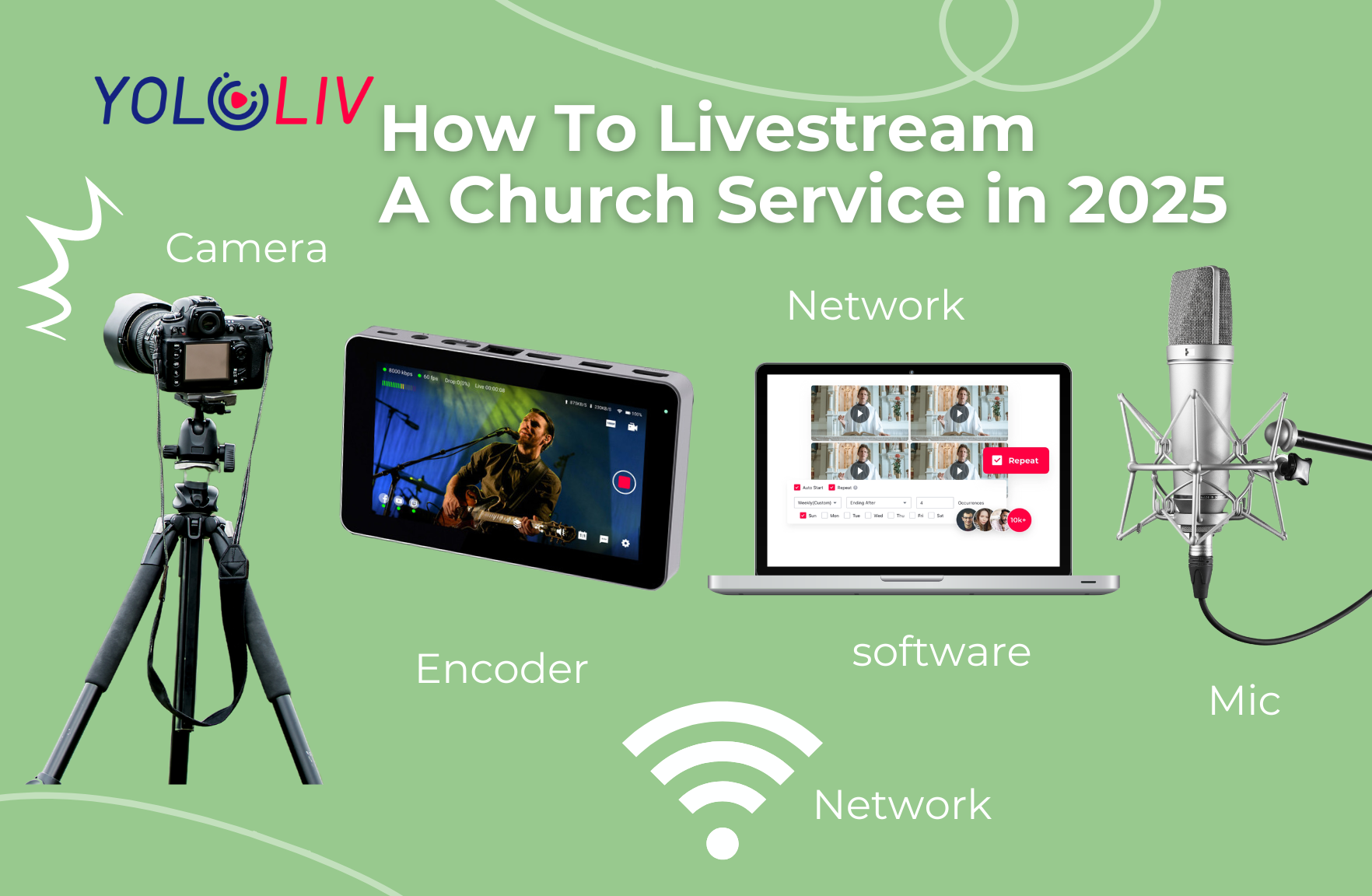
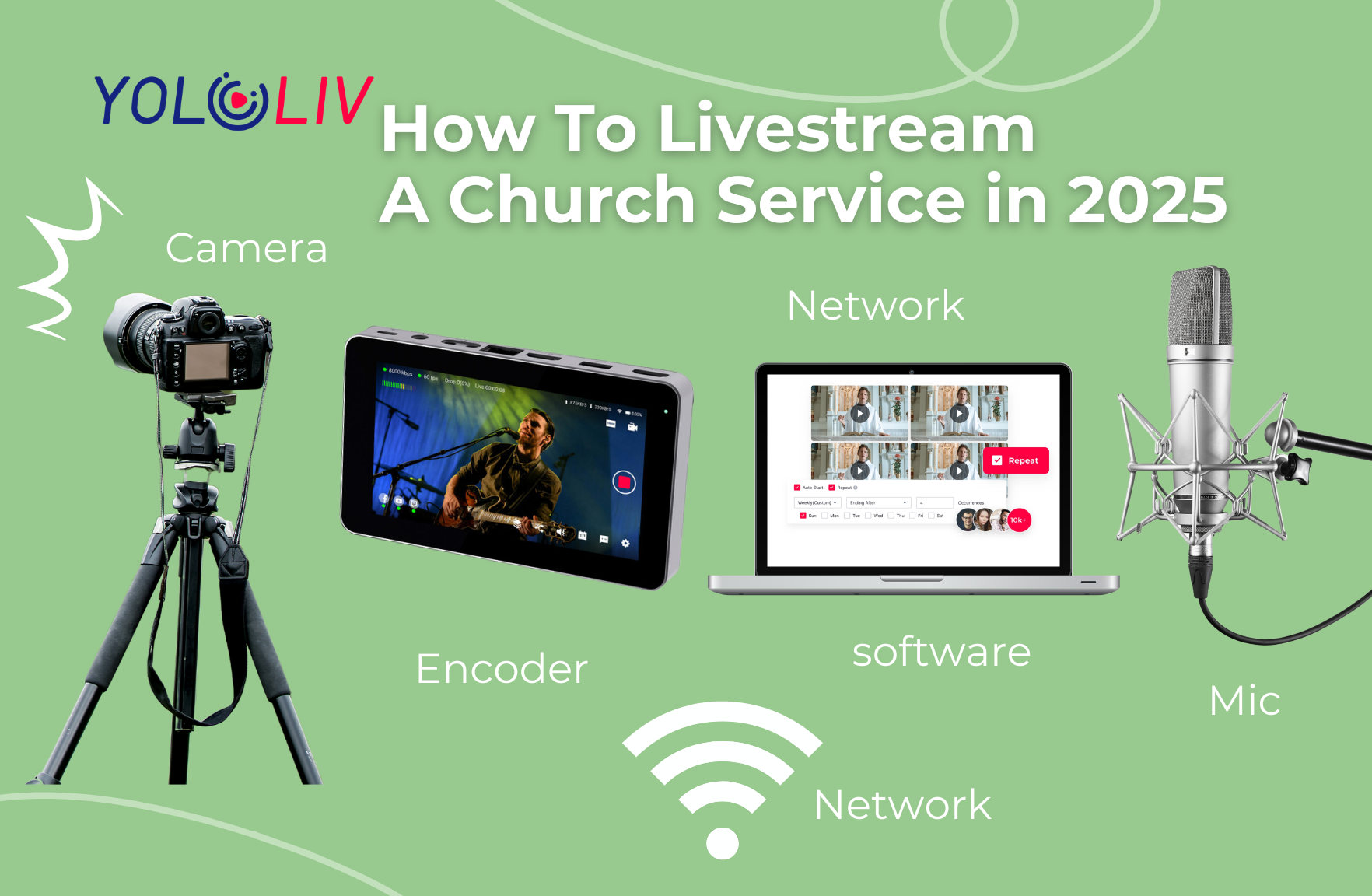
The tools you choose are the vessels that ferry your message. A reliable HD webcam or a mirrorless camera yields pristine imagery, while a shotgun mic captures the sonorous cadence of hymns without betraying ambient noise. Invest in a sturdy tripod—your steadfast altar—and consider a portable audio interface for granular control over levels. Lighting deserves equal reverence; a ring light or softbox can transform a dim nave into a luminous stage, ensuring that every facial expression and sacred text shines with clarity.
Crafting the Perfect Setup
Place your camera at a vantage point that mirrors the congregation’s perspective—slightly above eye level, angled toward the altar. The background should be uncluttered, allowing the cross or stained‑glass window to serve as a subtle visual anchor. Embrace depth of field: a gentle blur can foreground the speaker, creating a focal point akin to a spotlight in a theatre. Ensure cables are concealed to maintain reverence, and secure a reliable internet connection—preferably a wired Ethernet line—to avoid latency that could interrupt a hymn.
Streaming Platforms & Software
The platform is the highway that carries your message. Popular choices such as YouTube Live, Facebook Live, or dedicated church streaming services each offer unique analytics and audience reach. For granular control, OBS (Open Broadcaster Software) remains a versatile conduit, allowing you to mix multiple scenes, overlay lyrics, and adjust bitrates on the fly. Regardless of the tool, ensure your encoder settings prioritize a steady 720p or 1080p stream at 30 fps, balancing clarity with bandwidth constraints.
Audio Excellence
Audio is the heartbeat of the broadcast; a muffled sermon can alienate listeners faster than a shaky camera. Position a lavalier mic near the speaker’s collar, and supplement it with a shotgun mic aimed at the choir to capture harmonious overtones. Implement a small audio mixer to balance spoken word, organ, and congregational responses, keeping peaks under -3 dB to prevent clipping. Conduct an ambient sound check, reducing echo by placing acoustic panels behind the camera’s line of sight.
Engagement & Interaction
Beyond transmission, cultivate a two‑way conversation. Enable live chat moderation to filter spam and encourage prayer requests or song requests from the virtual congregation. Incorporate call‑to‑action overlays that invite viewers to follow the church’s social media, donate, or join a post‑service fellowship group. Use a dedicated prayer wall widget to let remote attendees submit petitions, weaving their voices into the liturgical tapestry.
Legalities & Permissions
Music licensing is a vital consideration; many contemporary worship songs are protected by copyright. Secure a streaming license from organizations such as CCLI or OneLicense to legitimize the broadcast. Ensure compliance with GDPR or other privacy regulations when collecting personal data from online participants. Clearly state terms of service on your streaming page, protecting the church from inadvertent breaches.
Rehearsal & Testing
Conduct a dress rehearsal a week prior, simulating the full service flow. Test each device, verify audio sync, and confirm that the stream appears on the chosen

